Dashboard and run report
The live dashboard and the run report are two views over one snapshot document built by
html_report.build_snapshot (api-dashboard.adoc#snapshot) from the same files the
orchestrator writes: tickets.yaml (+ .ralph/dynamic.json), .ralph/state.json and the
config. One rendering engine feeds both, so the dashboard and the report always agree.
The live dashboard
python3 ralph_orchestrator/orch.py dashboard --port 8471    # -> http://127.0.0.1:8471
# or standalone: python3 ralph_orchestrator/dashboard.py --port 8471-
Server — Python stdlib only (
ThreadingHTTPServer, default127.0.0.1:8471,--hostto bind elsewhere). Endpoints in Dashboard HTTP API. -
Client — a single self-contained dark HTML page (Tailwind utilities compiled and inlined; no CDN, no network calls). It fetches
GET /api/runevery 2 s. -
Read-only — the dashboard never writes run state.
Views
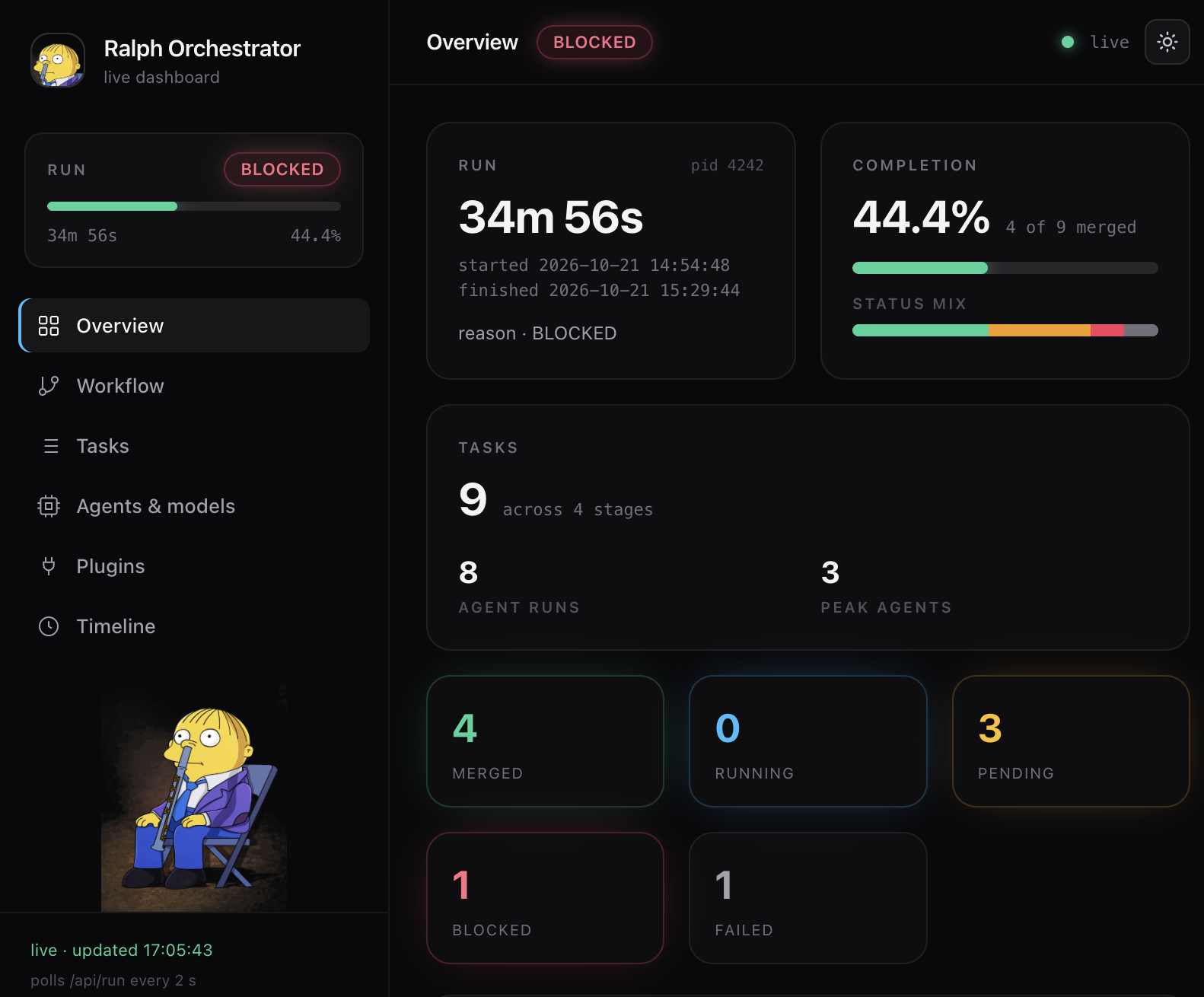
Overview — run KPIs (status, elapsed, agent runs, peak agents), the completion bar computed from actual ticket state (a running ticket is never counted as complete), per-status glowing tiles, agent/model activity and the error/feedback log.
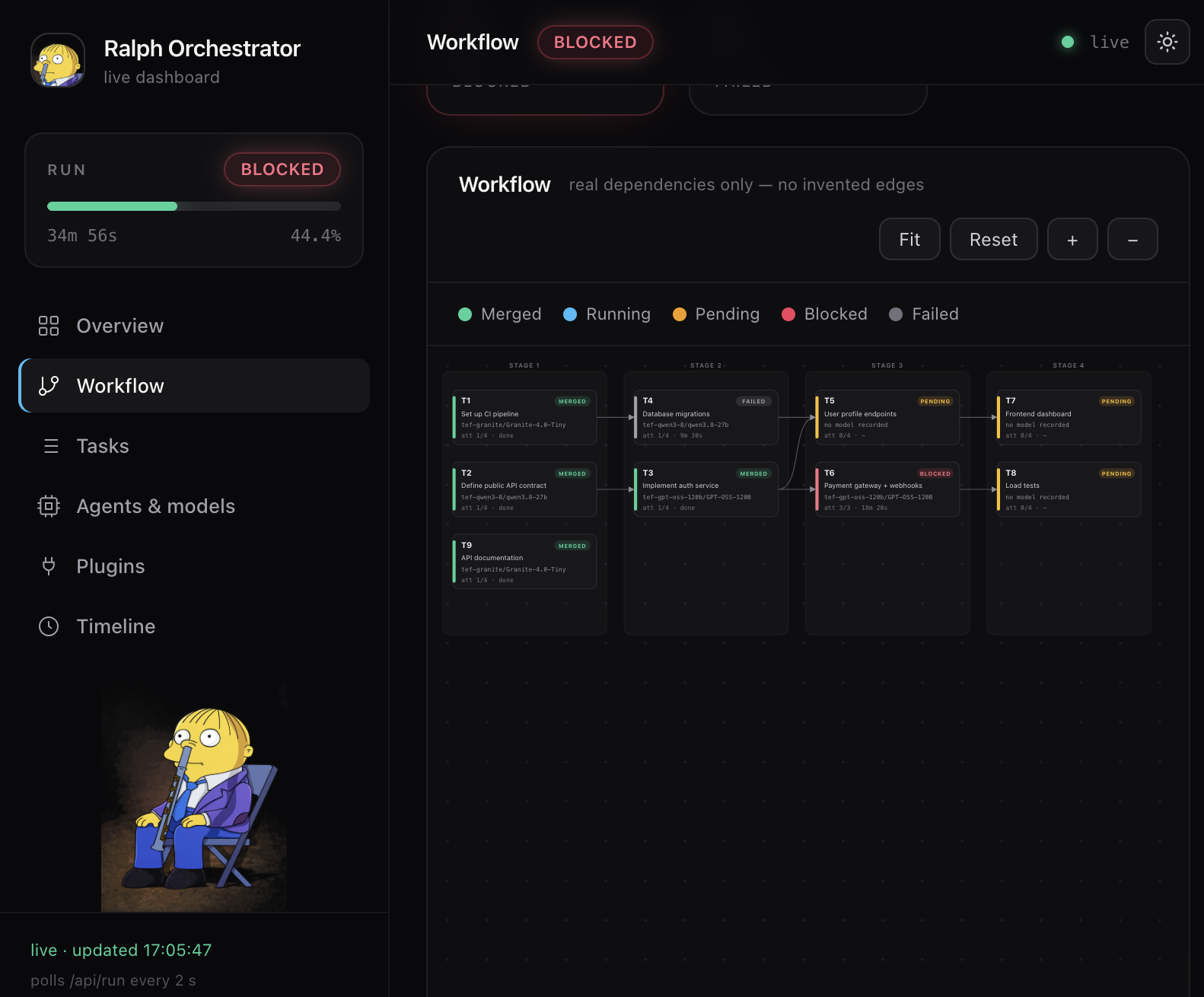
Workflow — the hierarchical ticket graph: one card per ticket, arrows for real dependencies only (never invented), stage columns from the dependency waves, zoom / pan / fit-to-view, click a card for details (model + provider, attempts, timestamps, feedback, per-ticket event history, upstream/downstream links).
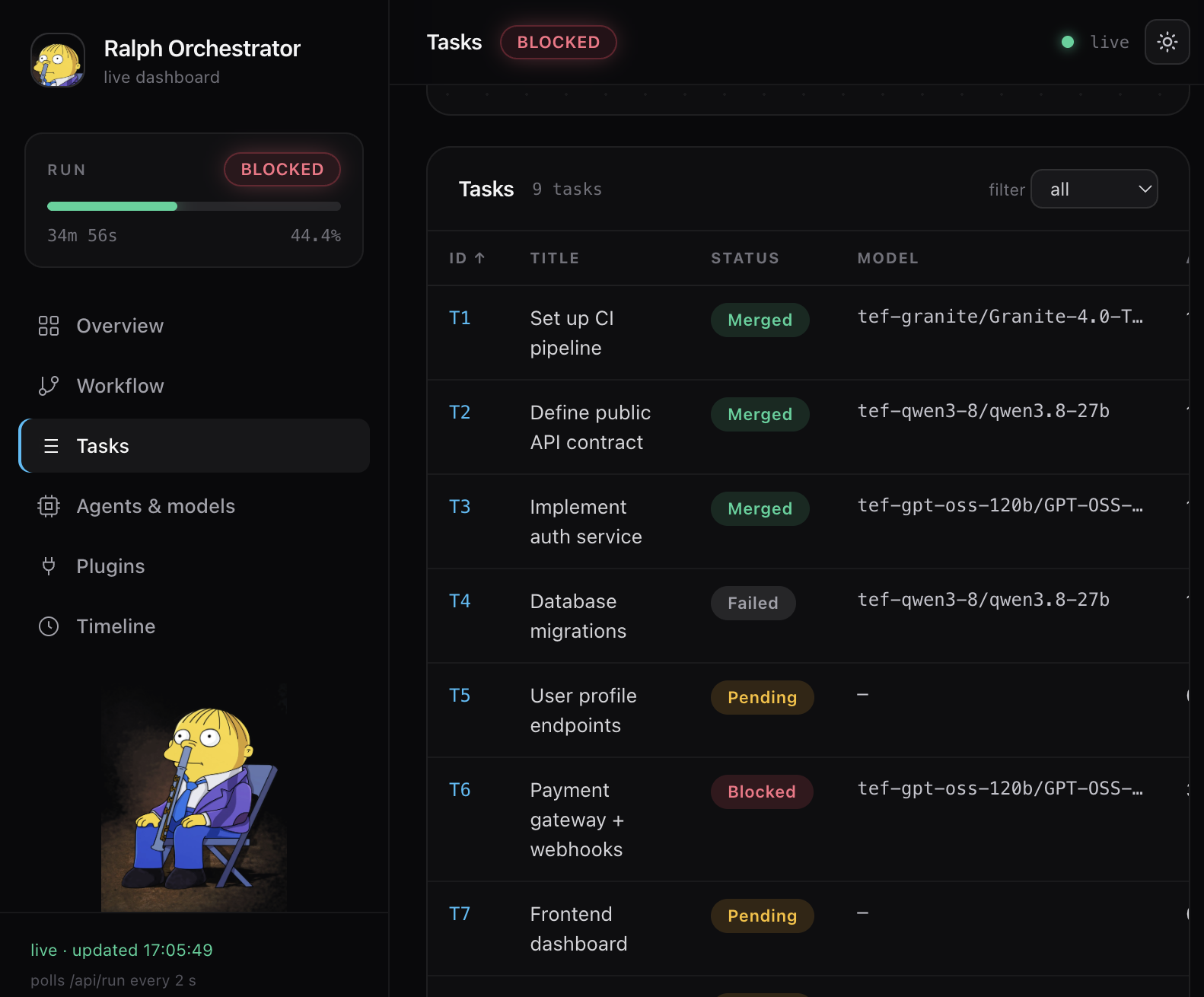
Tasks — every ticket as a row: status, attempts, model, scope, acceptance command, feedback.
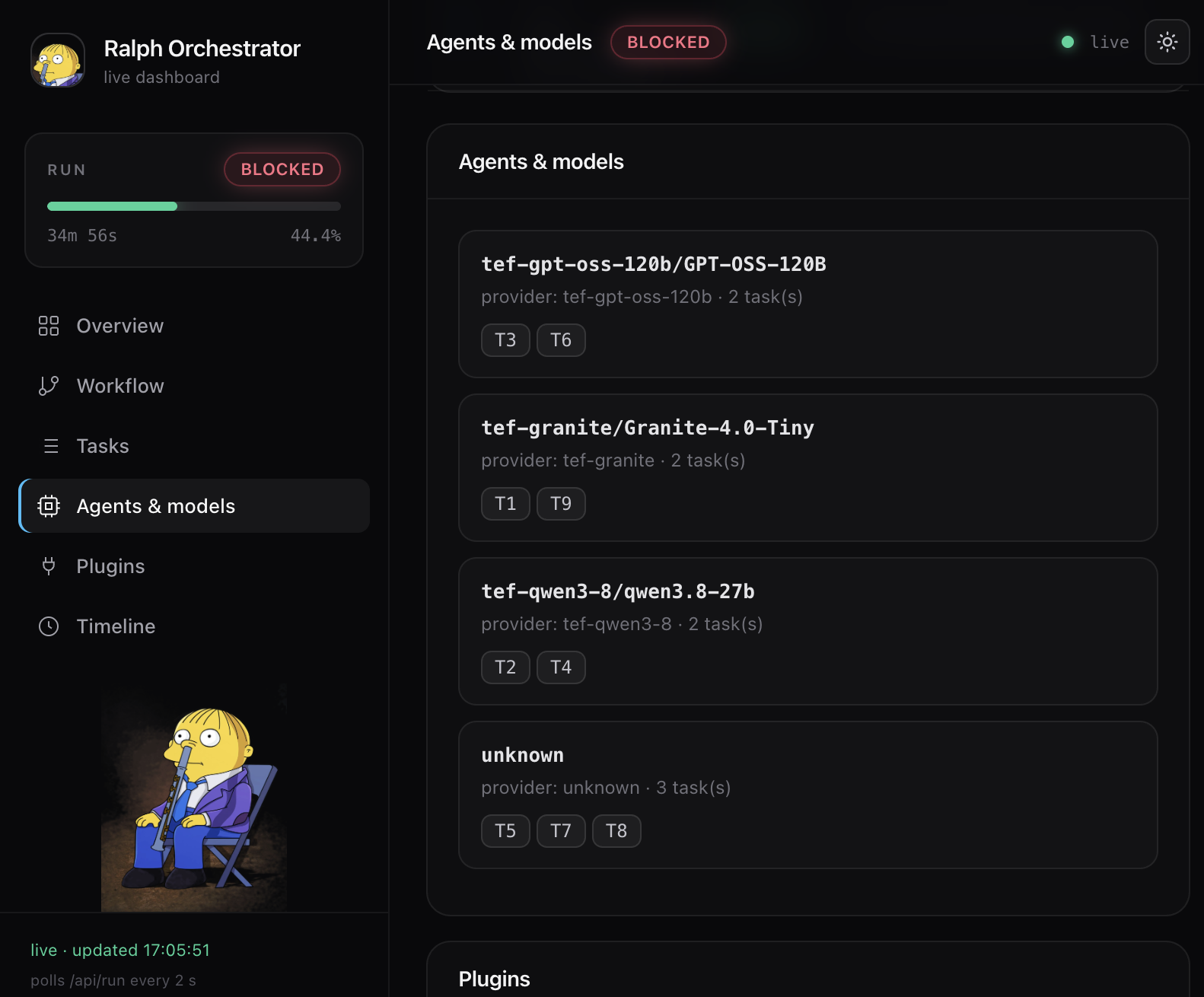
Agents & models — which model ran which tickets, per attempt, from the recorded
state.model.
Plugins — the agent plugins the run’s agents actually load (project config, global config, local plugin directories), with not-installed expected plugins and an install hint.
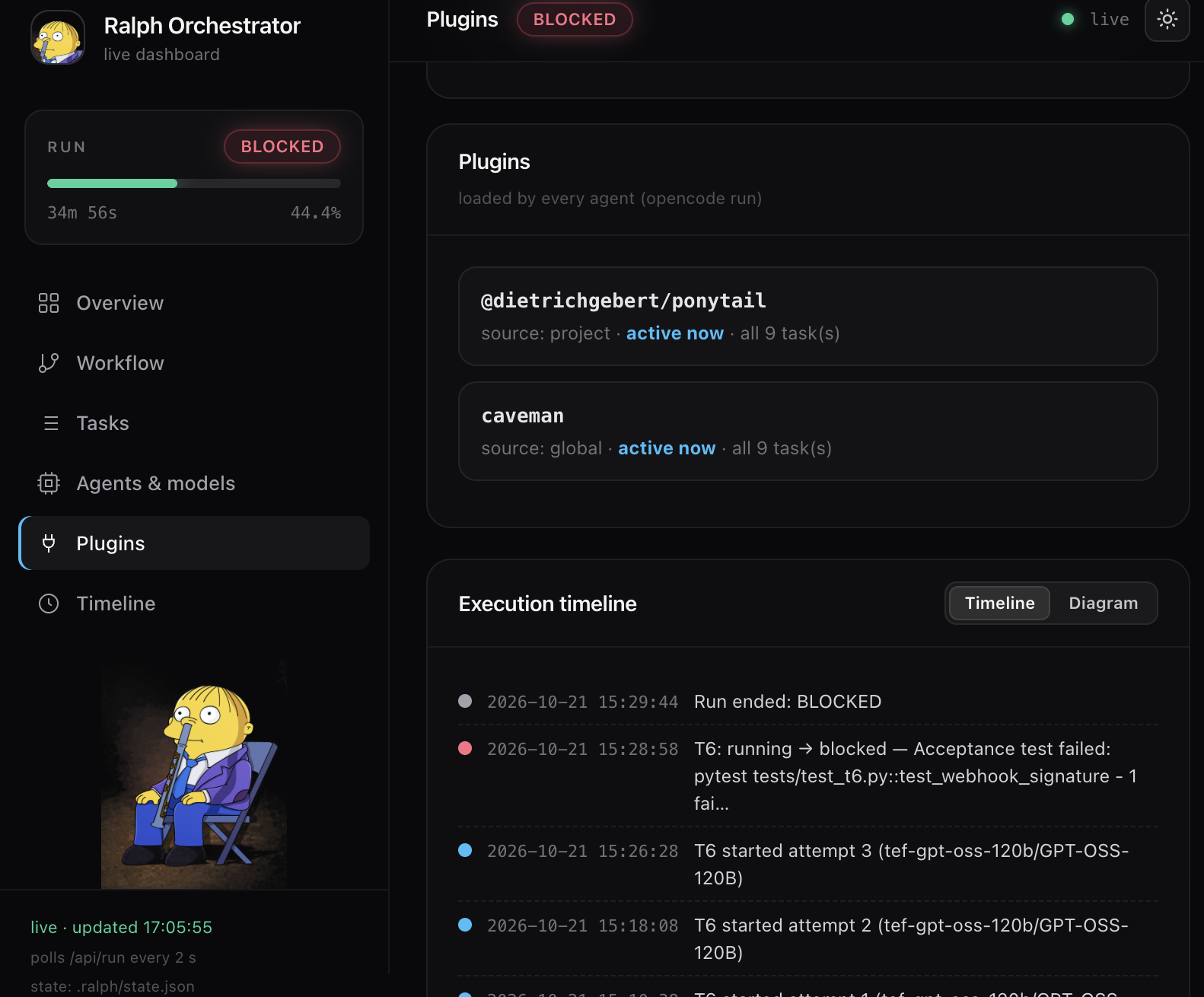
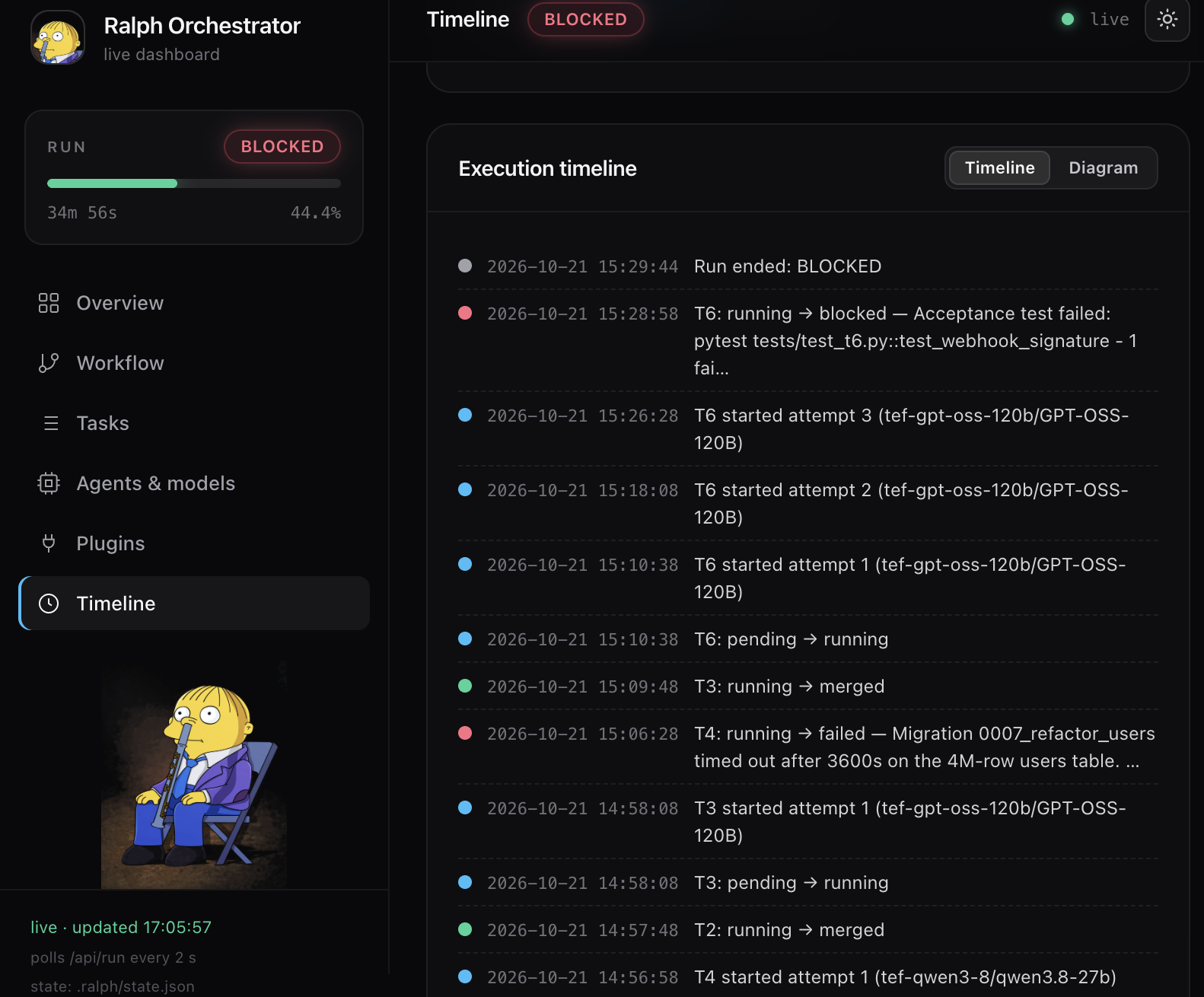
The Timeline view
The start-time × duration diagram: one bar per ticket/attempt, placed by the real
wall-clock started_at / finished_at / last_attempt_at timestamps recorded in
state.json (never reconstructed). Parallel work shows as overlapping bars (T2/T3 in the
showcase, peak agents: 2); zoom in to read the sequence. Events (status transitions,
attempts, operator replies, run termination) are plotted on the same time axis.
Status colours: merged = green, running = blue, pending = amber, blocked = red, failed =
grey. The failed status is rendered for completeness — the current orchestrator emits
blocked at exhausted attempts; nothing in production code sets failed, and the three
terminal-ish states are distinct and never inferred from each other.
The run-status tile shows RUNNING / FINISHED / STALE / NO_RUN
(run.status); a fresh watch heartbeat adds the
"watch standing by" badge (mail-loop.adoc#watch).
The run report
orch.py run (re)generates out/run_report.html at start, on every state change, and at
the end. It is a self-contained document — no CDN, no network, works offline and straight
from file:// — with the same workflow graph, KPI cards, a sortable/filterable task table,
agent/model activity, timeline and errors section, plus the full Markdown of all tickets
embedded at the end (a real internal hyperlink in the PDF). In the static report the details
panel pre-selects the most actionable task (blocked/failed first, then pending with
blocking feedback).
-
It is served at
GET /run_report.htmlby the dashboard and attached to the final report mail (mail-loop.adoc#mails). -
Because the report is rendered client-side by JavaScript — which most mail clients strip from a message body — it is attached, not inlined.
PDF rendering (optional)
out/run_report.pdf (A4, print-optimised CSS, interactive controls hidden) is produced by
Playwright’s headless Chromium — the report is client-side rendered, so only a real browser
engine prints it faithfully.
-
At the end of a run the final report is rendered to PDF when Playwright is installed; otherwise the run silently falls back to HTML only.
-
orch.py pdfrenders the current persisted state on demand (e.g. a mid-run snapshot); exit 1 with an install hint when the browser is missing. -
Install once:
pip install playwright && python -m playwright install chromium.